
For the sign-up sequence, see Spinsy registration.
The account lifecycle in one view
The useful way to think about a Spinsy account is as a sequence rather than a single sign-up event. First comes eligibility and registration. Then come ordinary security and account maintenance. Identity or source-of-funds checks can appear later, including around deposits or withdrawals. Support is the route for account questions, while closure and self-exclusion have their own support-based processes.
| Stage | Current position | Where to go next |
|---|---|---|
| Before registration | 18+ requirement, accurate personal information and duplicate-account restrictions apply | Spinsy registration |
| Using the account | Keep login credentials private and account information current | This page |
| Verification | KYC may be requested before or after deposits and withdrawals | Spinsy KYC |
| Support | Live chat and support email are verified channels | This page |
| Closure or self-exclusion | Support can be contacted to request account closure or self-exclusion | This page |
The Spinsy Australia review covers the wider product, payments and game offering. This account page deliberately avoids repeating the step-by-step registration and KYC detail that belongs in the two child guides.
Core eligibility and duplicate-account rules
Spinsy’s current Terms say customers must meet the legal age that applies to them and in all cases be at least 18. They also require account data to be true and complete. Those are contractual requirements of the brand, not a substitute for checking whether using an online gambling service is lawful where the customer is located.
The duplicate-account rule is broader than simply “one username per person”. The Terms describe one account per person and also apply restrictions across a household or address, phone number or email, and IP address. That makes shared homes, shared devices and shared networks worth treating carefully. A second account created to work around a forgotten password, a locked login or a bonus problem can create a duplicate-account issue rather than solve the original problem.
Use support instead of opening another account
If access to an existing account is lost, the safer account-management path is to recover access or contact support. Do not create a replacement account merely because the original login is inconvenient or temporarily inaccessible.
Login and account-security basics
The Terms require customers to keep login credentials confidential and to maintain account details so they remain current. In practical terms, account security should start with a unique password, control of the email address or phone number tied to the account, and prompt correction of outdated personal data.
Do not share credentials with another person, even if the goal is only to let someone check a balance or contact support. The account is meant to be personal, and shared access makes it harder to separate authorised activity from misuse. If a session looks unfamiliar, use the official support channels rather than giving account details to a third-party “recovery” service.
For phone use, the mobile access guide explains why the browser is the verified Spinsy route and why unverified APKs or same-name app listings should not be treated as official account software.
Where KYC fits into the account process
KYC is not necessarily limited to the moment an account is opened. Spinsy’s current Terms allow identity, age, residence and related checks before or after deposits and when a withdrawal is requested. That means an account can function for some time and still later require verification before a payment or other account action is completed.
This distinction matters because registration and verification are different stages. Registration creates the account under the site’s eligibility rules; KYC is the evidence-checking process used to verify information about the account holder and, where requested, payment or source-of-funds details.
The exact documents and timing requirements are intentionally not duplicated here. They are operational details that can change and are covered on the dedicated Spinsy KYC, where the current Terms can be checked against the specific document and deadline language.
Keep a usable record of important account events
Account problems are easier to explain when the chronology is clear. For any meaningful registration, verification or cashier issue, keep the date, the status shown in the account, the support case reference if one is issued, and copies of messages sent or received. Saved page views can be useful for recording an error or status, but they should be stored carefully because account screens can contain names, balances or other personal information.
A record is especially useful when an issue moves between live chat and email. Instead of restarting the explanation each time, refer to the earlier case and summarise what changed. Avoid sending a password, one-time code or unnecessary identity document simply because a support conversation asks for more context. Sensitive verification material should be supplied only through the official process requested for the account.
The same approach helps with account closure. If closure or self-exclusion is the goal, make that instruction explicit in writing rather than relying on inactivity or an informal comment in a longer support conversation. Save the request and the operator’s response so there is a clear record of the action requested.
How to contact Spinsy support
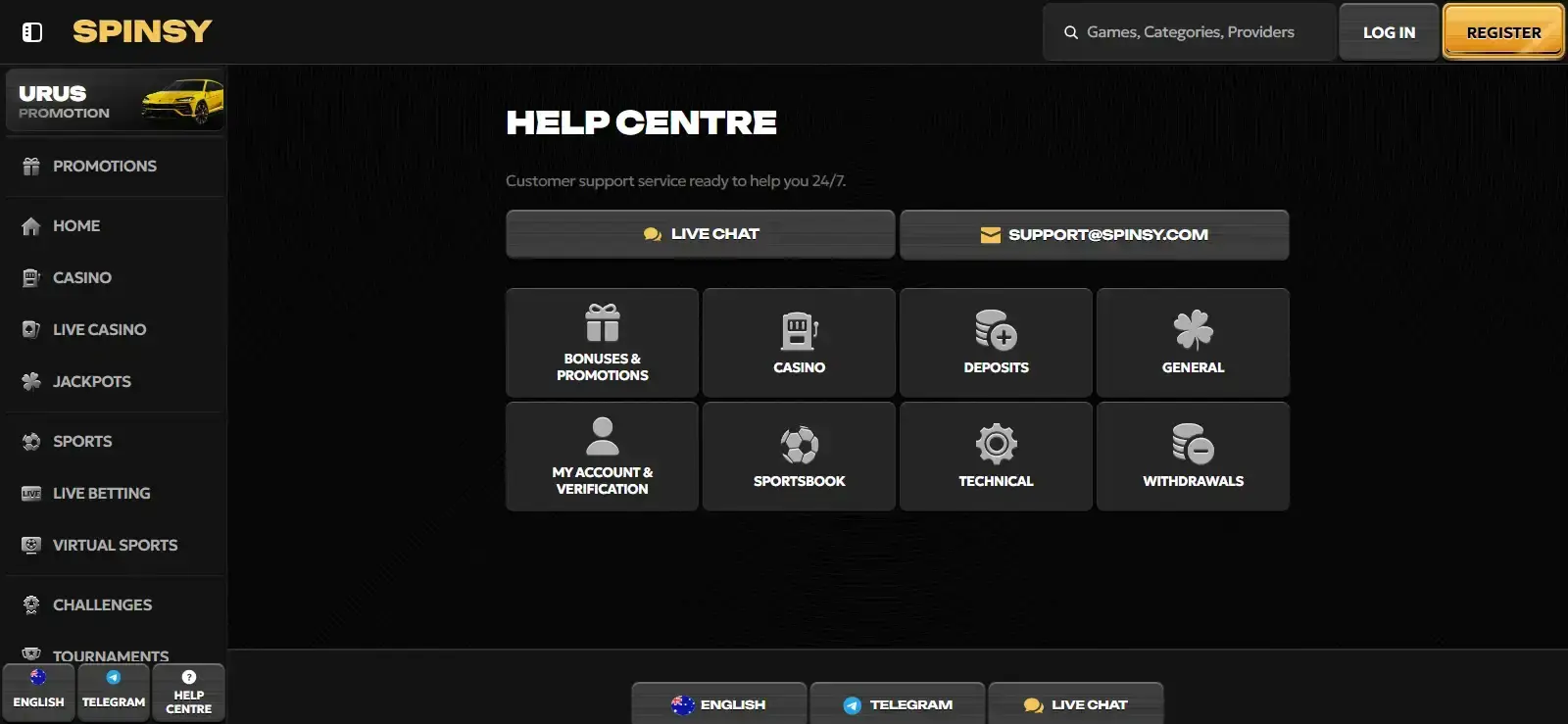
Spinsy’s website describes customer support as available 24/7 through live chat or email. The published support address is [email protected]. Independent reviews do not verify a phone-support channel, so this guide does not publish a phone number for the casino.
When contacting support, keep the question specific. For a login issue, identify the account-access problem without sending a password. For a payment case, include the transaction date, method and status shown in the account. For verification, refer to the request you received rather than sending additional sensitive documents to an address that has not been verified as official.
Account closure and Spinsy self-exclusion are support actions
Spinsy’s Terms and responsible-gaming page provide a direct support route for closing an account and for self-exclusion. The responsible-gaming page instructs players seeking self-exclusion to contact the Support Service Team at [email protected], after which the site says it will close the account as soon as practicable.
That route is different from simply leaving the account unused. If the goal is to stop access, asking support for self-exclusion creates a clear instruction. Keep a copy of the request and any reply. If there are other accounts linked to the same operator environment, the responsible-gaming wording places responsibility on the player to disclose them and not open additional accounts.
This site does not claim that Spinsy has built-in deposit, loss or session limits. Those controls should not be assumed to exist unless they are shown in the current account tools or Terms.
Australian self-exclusion and gambling-help resources
Australian readers should distinguish between a request sent directly to Spinsy and Australian national services. BetStop is the National Self-Exclusion Register for licensed Australian online and phone wagering providers. BetStop’s own guidance also states that it does not apply to online casino games or other gambling services that are illegally provided in Australia. This guide therefore does not claim that joining BetStop will close, block or govern a Spinsy account.
For broader help, the Australian Government’s gambling-support information directs people to the National Gambling Helpline on 1800 858 858 and to Gambling Help Online for free and confidential assistance. These are support resources; using them is separate from any account-level request sent to Spinsy.
The broader legal status and player protection page explains the Australian regulatory context and why technical account access should not be confused with Australian licensing or local consumer-protection coverage.
A practical account checklist before deposits or withdrawals
The point of this checklist is not to make the account process look more complicated than it is. It is to avoid the common situations that create unnecessary friction: a duplicate account, inconsistent personal information, an unexpected verification request, or a support case with no usable record of what happened.
The account lifecycle is easier to manage when each step leaves a clear record: accurate registration details, any later verification request, support case references and a written closure or self-exclusion instruction when needed. That record-keeping does not add a new account rule; it simply makes the existing registration, KYC and support stages easier to distinguish if a problem has to be explained later.
Managing a Spinsy account when support or verification is needed
A Spinsy account is easiest to manage when registration, verification and support are treated as connected but separate tasks. Meet the 18+ and one-account rules at setup, keep account information current, and expect that KYC may be requested later around deposits or withdrawals. If something goes wrong, use the verified live-chat or email channels rather than creating another account or relying on an unverified intermediary.
For Australian users, the final distinction is regulatory: Spinsy’s own self-exclusion route is an operator support process. BetStop is a separate Australian system with a defined scope for licensed online and phone wagering providers. Keep those two mechanisms separate, and use Australian gambling-help services when broader support is needed.